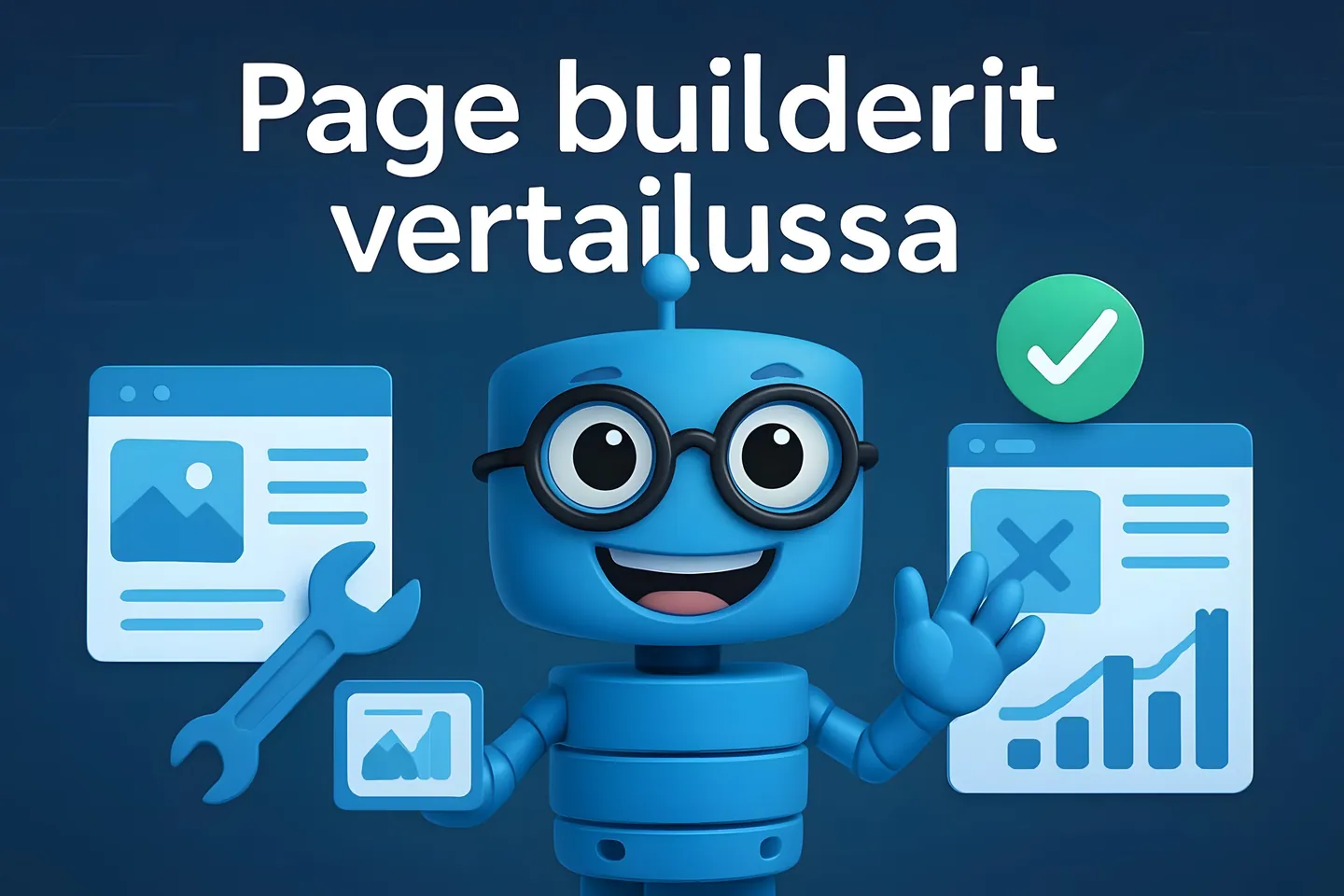
Looking for the best WordPress page builder? Page builder tools have revolutionized the way websites are created without coding skills. Elementor, Divi and Beaver Builder are the most popular page builders that offer drag and drop functionality for WordPress sites.
With these tools, you can create professional websites in a fraction of the time you would spend on traditional web design.
The strength of page builders lies not only in their ease of use but also in their extensibility. In this article, we'll dive deeper into the world of different page builders.
Page builders in brief:
-
Elementor is known for its versatility and free version - Elementor Pro €60 / year
-
Divi dazzles with its visual effects - Divi approx. €80 / year, also "lifetime plan" available
-
Beaver Builder is especially praised for its user-friendliness - Beaver Builder approx. €80 / year
Special features of page builders
WordPress page builders offer versatile features that make creating websites easy without coding skills. Different tools have their own strengths and ways of implementing an easy-to-use page building experience.
Drag and drop interface
Elementor, Divi and Beaver Builder are all based on the drag-and-drop principle, which makes building pages easy and intuitive.
Elementor offers an extremely smooth interface where elements can be easily moved to any part of the page. The tool shows in real-time what the page will look like in its final form.
Divi, on the other hand, goes one step further by offering an "inline editing" feature where you can edit text directly on the page without separate menus. In other words, you don't need to open a separate editing menu or editor, but can click on text or an element and edit it directly. This makes editing more intuitive and faster because you can immediately see what the result looks like.
Beaver Builder stands out with its lightweight structure. It works quickly even on slightly older computers, and its interface is designed to be particularly clear even for beginners.
Real-time editing
Elementor's front-end editor shows changes immediately, so you always know what your page looks like to the visitor. You don't need to save changes separately to see the result.
Divi offers two ways to edit your page: the visual builder and the "back end builder". You can switch between these depending on what changes you're making. For small changes, the back end builder might be more convenient.
Beaver Builder is known for its particularly stable editing tool. It almost never crashes or freezes while you're working. This is important especially when you're working on larger sites.
Quick tip: Whatever builder you use, remember to periodically save and backup your work! Backing up is easy, for example through WordPress toolkit.
Pre-made templates
All three page builders offer plenty of ready-made templates that save you time and give your pages a professional look.
Elementor offers:
-
Over 300 ready-made page templates
-
Dozens of complete website packages
-
Ready-made sections that you can combine as you wish
Divi is known for its extremely extensive template libraries:
-
Over 1500 ready-made templates
-
200+ complete website packages
-
Ready-made layouts for different industries
Beaver Builder includes slightly fewer ready-made templates, but they are extremely high quality and easily customizable. Its templates work excellently especially for business websites.
Responsive design and workflow
Today, a mobile-optimized website is essential for usability and Google optimization, and all three tools offer comprehensive features for responsive management.
Elementor offers extensive tools for building responsive pages
-
Separate widgets for mobile, tablet and desktop views
-
Ability to hide elements on different screen sizes
-
Precise margin and spacing settings for all devices
Divi lets you edit each element separately on different screens. For example, you can change font sizes, margins, and even image layouts according to device size.
Beaver Builder also performs excellently in mobile design. Its responsive settings are slightly simpler, but work reliably and automatically make pages look good on all devices.
Page builder extensions
Add-ons and Widgets
The real power of page builder tools lies in their extensibility. Elementor, Divi and Beaver Builder all offer an impressive collection of widgets that you can add to your pages.
Beaver Builder supports all WordPress themes and offers a wide range of customization options. You get access to versatile modules and ready-made templates that speed up your work.
Elementor has over 80 free elements and even more in the Pro version. You can extend functionality with third-party add-ons, such as:
-
Ultimate Addons for Elementor
-
PowerPack for Elementor
With Divi, you can leverage the Divi Builder API and numerous third-party developed add-ons that bring additional features to your page builder.
WooCommerce compatibility
Setting up an online store is easy with all three page builders thanks to WooCommerce compatibility. All three page builders work seamlessly with WooCommerce.
Elementor offers widgets designed for WooCommerce that allow you to customize product, cart, and checkout pages. You can also easily create custom product listings and campaign banners.
Beaver Builder also works well with WooCommerce. While it doesn't have as many ready-made WooCommerce elements as Elementor, you can still effectively customize your online store's appearance.
Divi's WooCommerce modules are versatile and easy to use. You can build impressive online stores without coding knowledge and use ready-made templates to speed up your work.
When setting up an online store, remember that fast and reliable web hosting is the foundation of everything. Hostaan offers an optimized and managed platform for your WooCommerce store at an affordable price.
SEO and marketing tools
All three page builders enable easy creation of search engine optimized content. They work seamlessly with popular SEO plugins (Yoast SEO and RankMath).
Elementor also offers versatile marketing tools:
-
Popup builder for marketing campaigns
-
A/B testing capabilities
-
Landing page templates optimized for conversion
Some features are only available in the Pro version.
Divi Builder includes powerful analytics tools that let you track how users respond to your content. You can also take advantage of Divi's built-in split testing features.
Beaver Builder focuses on creating fast-loading pages. It produces clean code that is SEO-friendly and mobile-optimized.
Remember that site loading speed significantly affects your search engine visibility. Hostaan offers Finnish, fast WP servers that improve your site's performance.
Code customization
If you want to go beyond basic editing capabilities, all three builders offer coding possibilities for developers as well.
In Elementor, you can add custom CSS to each element separately. In the Pro version, you also get access to the Custom CSS module, which allows you to write CSS code for your entire site. The HTML widget allows you to add custom HTML and JavaScript code as well.
Beaver Builder offers comprehensive CSS editing tools for both entire pages and individual modules. Developers have access to an API that allows you to create your own modules.
Divi also lets you add custom CSS, HTML, and JavaScript. Divi also has an easy-to-use CSS editor with syntax highlighting - this makes writing code much more pleasant.
Frequently asked questions about page builders
What is the best page builder tool for WordPress?
The best page builder tool cannot be unambiguously named, as the choice depends on your needs. Elementor is extremely user-friendly and suitable for beginners due to its ease of use.
Divi excels with its visual flexibility and is well-suited for creative projects. Beaver Builder is known for its stable operation and "clean" code.
The choice depends on your project requirements, budget, and technical skills. In the case of Elementor, you might get by with the free version as well.
Can I use Beaver Builder or Elementor with any WordPress theme?
Yes, both Beaver Builder and Elementor work with almost any WordPress theme. This is one of their biggest advantages.
Both tools are designed to be compatible with most themes, giving you the freedom to choose a theme. However, you'll get the best results by using a theme that is optimized specifically for these page builders.
If you use Divi, note that it works both as a theme and as a separate plugin.
Is Elementor's free version good enough for professional website building?
Elementor's free version includes basic tools and is sufficient for many smaller projects. With it, you can build functional and impressive basic pages using a limited selection of widgets.
However, for professional use, the free version is somewhat limited. It lacks several important features such as customizable forms, pop-ups, theme builder, and WooCommerce builder.
If you need more advanced features for your site or want to build a WooCommerce online store, Elementor Pro could be a wise investment.