For Developers
Graphical tools or the command line - both on offer
Manage your sites through the Hostaan control panel, Plesk and WP Toolkit right in your browser, or connect over SSH and use WP-CLI, Git and Composer directly.


Plesk & WP Toolkit
Everything you need to manage a WordPress install, in one graphical view
Install, clone and restore WordPress sites with a mouse, and manage themes, plugins and databases graphically - and run individual WP-CLI commands straight from Plesk's own interface when you need to, no separate SSH connection required.
- Create a new WordPress install and clone it to staging
- Back up and restore with a single click
- Individual WP-CLI commands runnable straight from Plesk's own view
From the command line
Or connect straight to a chroot-jailed SSH console
Every account includes a secure, chroot-jailed SSH connection with extended binaries and libraries - use WP-CLI, Git and Composer directly from the command line.
- wp core update, wp plugin update - WP-CLI for core and plugin updates
- git clone, pull and push directly from the server
- composer install / composer update for dependency management

Every tool, one place
See every way to manage your service
The same infrastructure, seven different angles - from a graphical control panel all the way to the command line.
Control Panel
Centralized login and user permissions
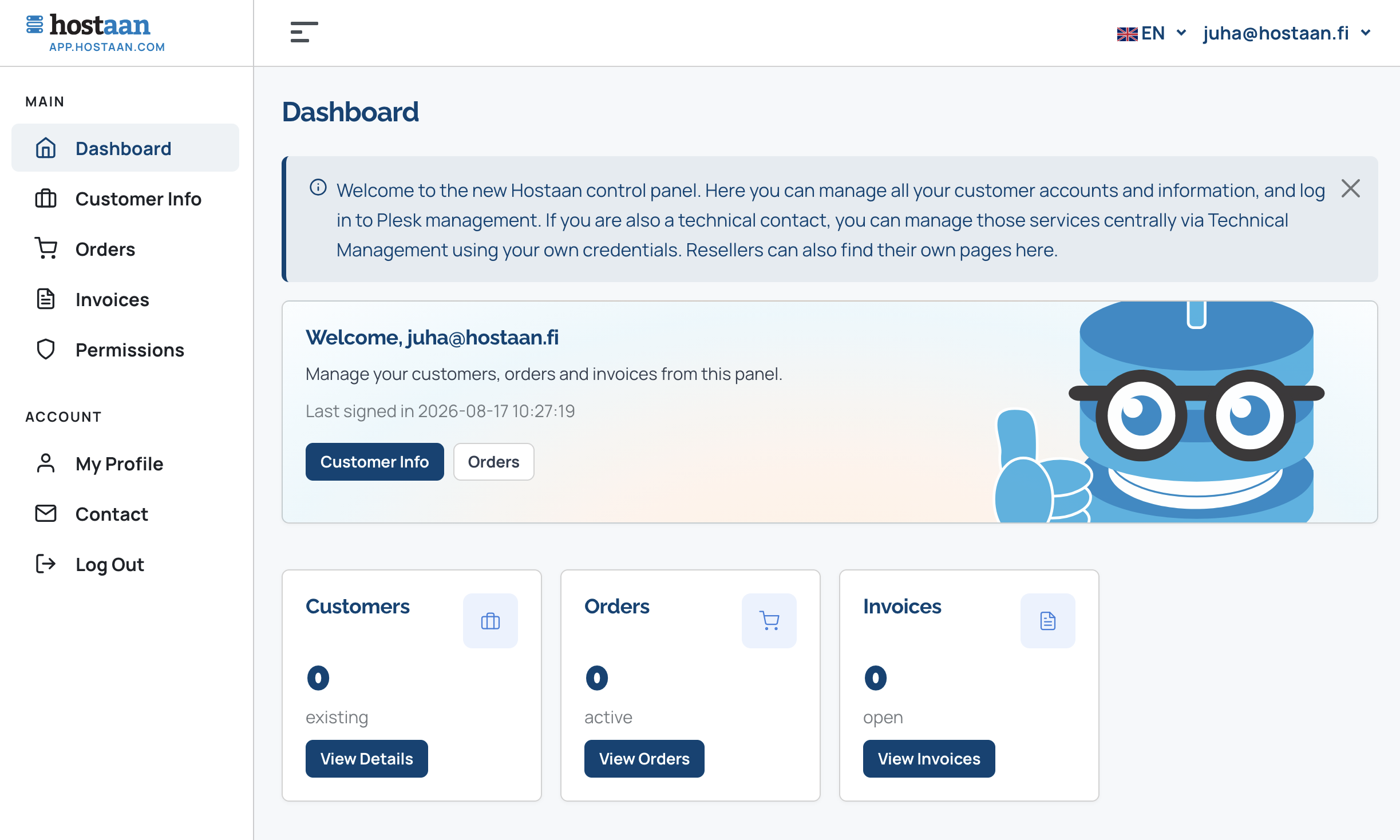
As a designer, you can see all your clients' subscriptions in the Hostaan control panel and log in to all services with a single account. As a customer, you can define who has access to your services.
Plesk
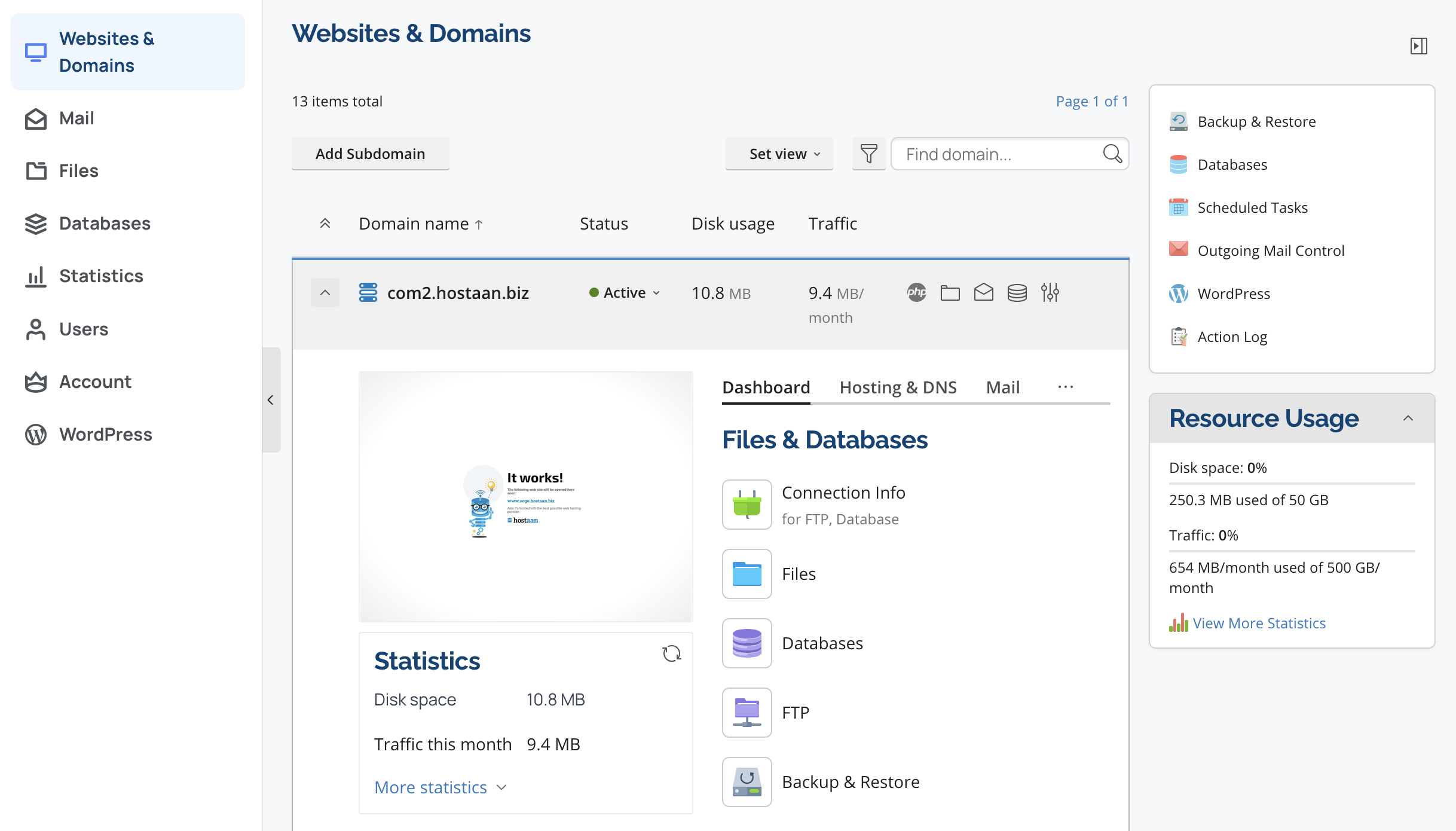
Versatile Plesk control panel
The Plesk server software running on our servers integrates seamlessly with our control panel. Through Plesk you log in to WordPress, manage your emails and backups.
Hostaan Plugin
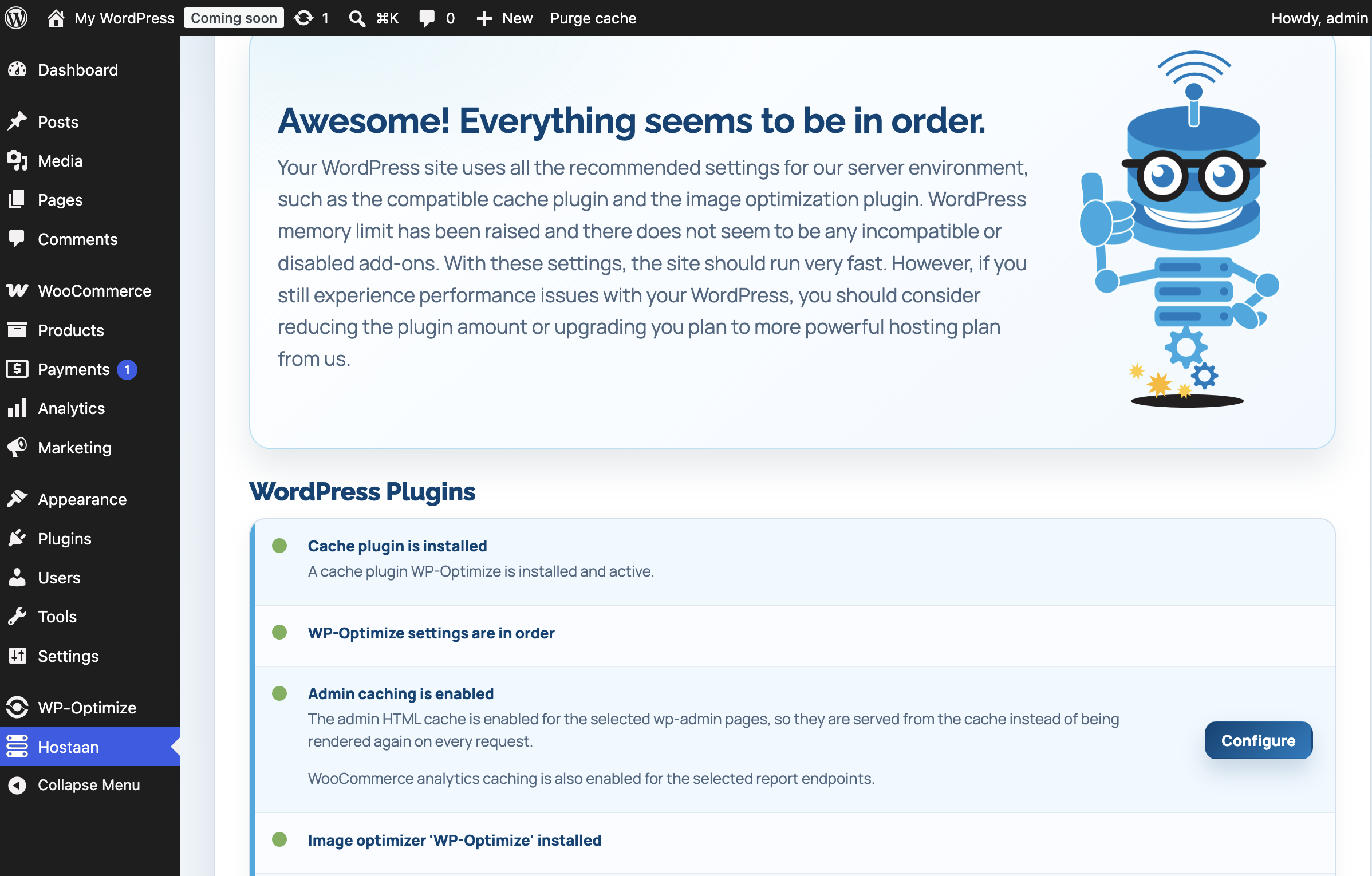
Hostaan WordPress plugin
Every WordPress installation on our servers includes the Hostaan plugin, which optimises site settings for compatibility with our server platform and maximises speed.
Nginx caching
Super-fast caching technologies
Hostaan servers use Nginx caching technology, which caches requests at the server level. Combined with the Hostaan plugin's frontend and backend caching and image compression, this makes WordPress lightning fast.

Cloud-based servers
Super-fast, stable and European
Hostaan services are built on fault-tolerant cloud infrastructure from UpCloud and Hetzner, with servers located in Europe. All data is stored in Europe.


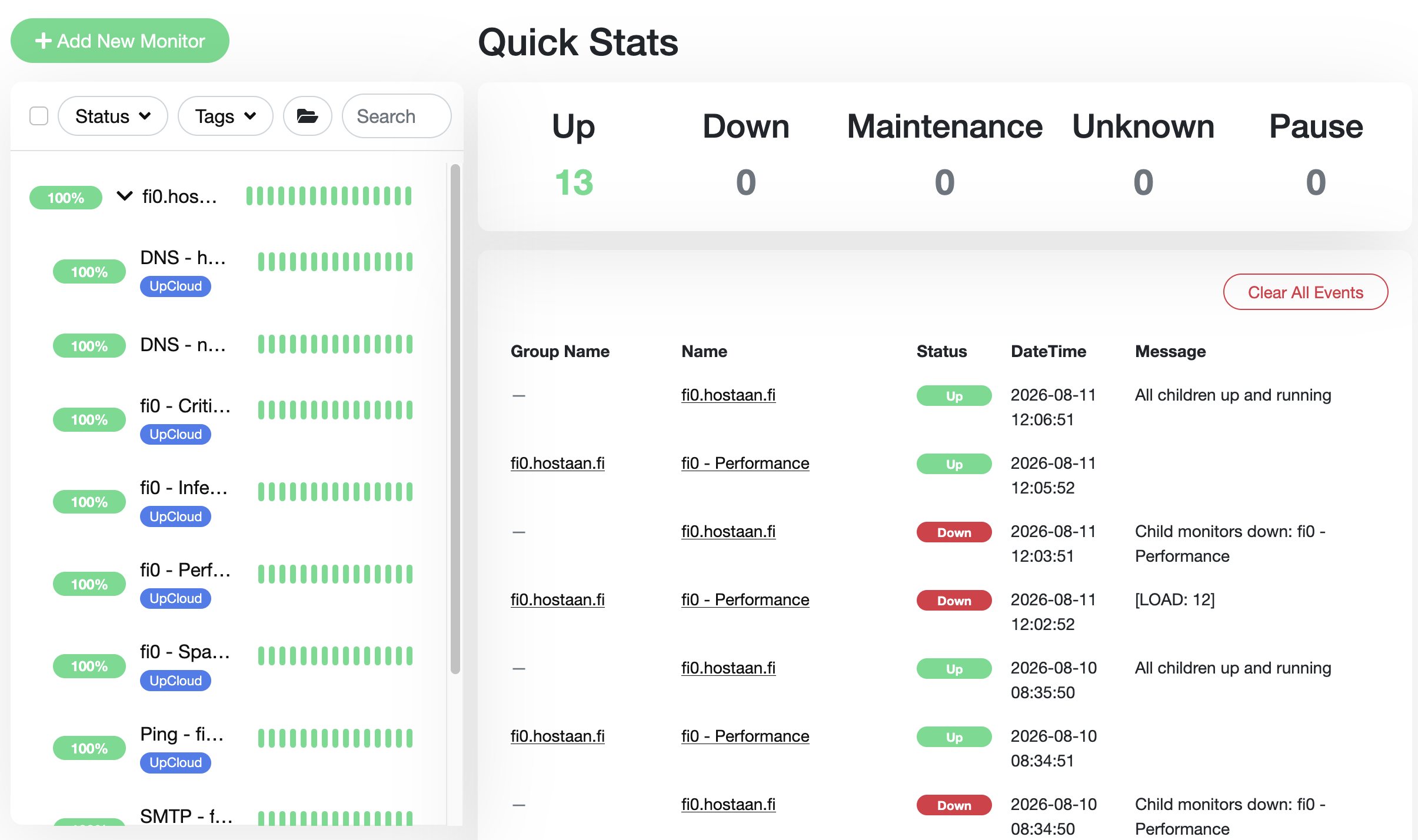
Continuously monitored
We anticipate and react
Hostaan services are not just fast - they work with extreme stability. We monitor operations 24/7 and react to potential issues, often before they have time to become problems.
Plesk Git
Ship code changes with a single git push
Every Plesk control panel has a built-in Git extension - connect your repository to the server and deploy changes automatically on every push, no separate CI/CD pipeline required.

Console tools
SSH, WP-CLI, Git and Composer from the command line
Every hosting account includes a secure, chroot-jailed SSH connection with extended binaries and libraries. WP-CLI, Git and PHP Composer are all available directly from the command line, with nothing to install yourself.


Built for the console
A chroot-jailed SSH connection, as an alternative
Equipped with extended binaries and libraries, so you can manage your project entirely from the console.
A secure, chroot-jailed SSH shell
Your SSH connection is isolated from other customers' files, but equipped with extended binaries and libraries - you won't be fighting a minimal environment.
WP-CLI ready to go
Install, update and manage WordPress installs, themes and plugins straight from the command line - no need to log into the dashboard for every small change.
Git included
Clone, pull and push directly from the server - works alongside Plesk's Git extension or entirely on its own from the command line.
PHP Composer
Manage dependencies with the standard composer install / composer update workflow, with nothing extra to install and no workarounds needed.
Try it yourself
WP Toolkit is your graphical tool for managing WordPress
WP Toolkit is available in every Plesk control panel, on every one of our servers.

WordPress Toolkit
Install, clone and stage with a couple of clicks
Plesk WordPress Toolkit makes managing WordPress installs graphical: a new install, a staging copy, or restoring a backup - all without a terminal.
- Install a new WordPress site in a minute
- Clone production into a staging environment for testing
- Manage plugins and themes right from WP Toolkit

WordPress updates
Update core, themes and plugins
Take a restore point with WP Toolkit before making updates - core, theme and plugin updates can be done safely, because if anything breaks, you can restore the site straight back to where it was.
- Automatic restore point before every update
- One-click restore if an update breaks something
- Update and manage several WordPress installs at once
See also
More technology from Hostaan
Work however suits you
The same fast, Finnish infrastructure - by click or by command line.
See our hosting plans