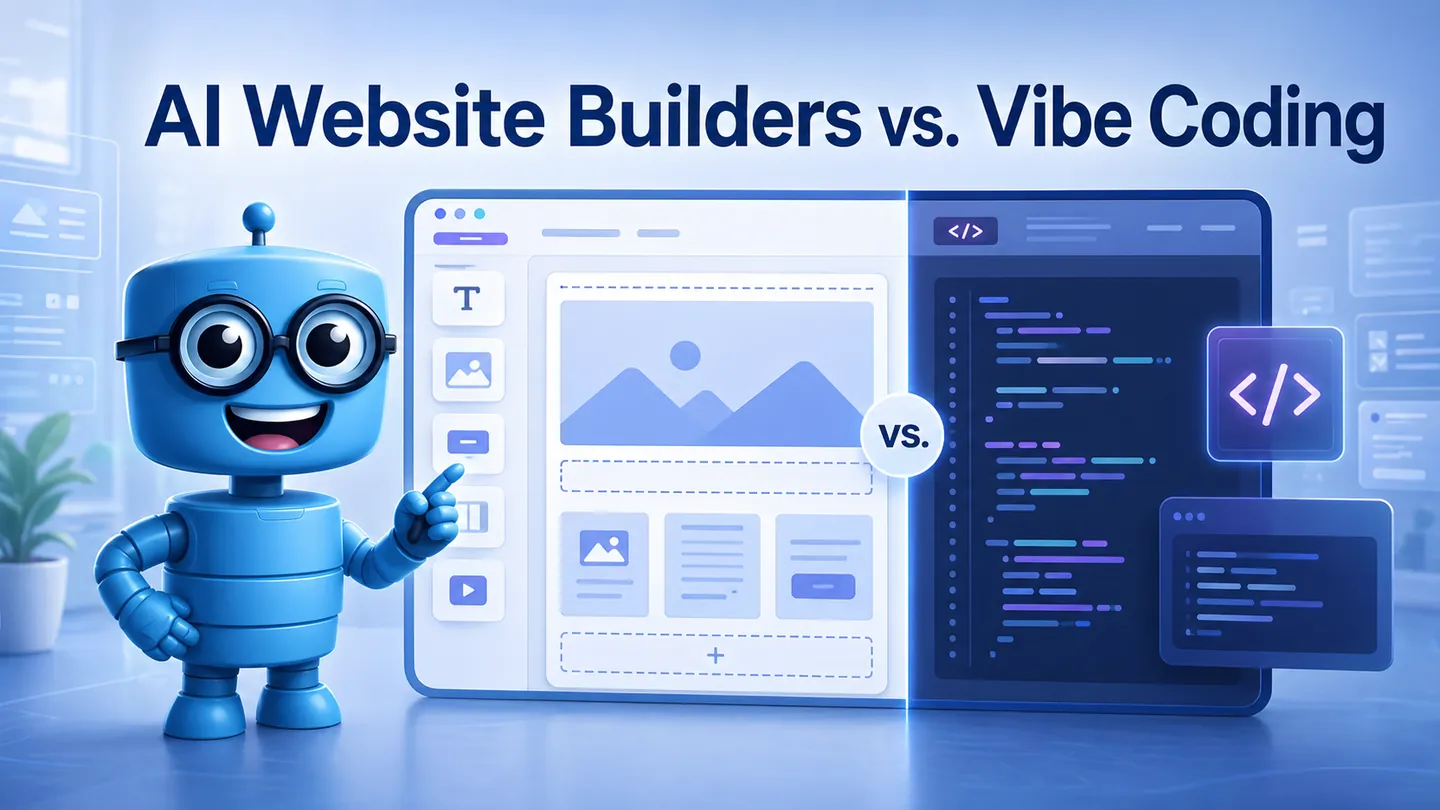
AI Website Builders vs. Vibe Coding: What’s the Difference?
In our previous article, we discussed smart page builders like Divi and Elementor that already integrate AI into WordPress workflows - they can generate content and layout from prompts. But you probably already know that AI in web design is everywhere.
AI is reshaping how digital products are built. However, not all “AI-powered” tools work the same way. When people talk about building websites with AI, they typically mean one of two things - vibe-coding or AI website builders.
Both promise to “create a website with AI,” but they actually serve different audiences and rely on very different approaches. One is meant to serve developers, another one - casual users and business owners. Can you guess which one is which?
What Is Vibe Coding
Vibe coding refers to a new class of AI development tools where users generate, edit, and deploy code through natural language prompts.
Users describe what they want to get in the end result, and the AI produces working code. This approach became widespread alongside large language models in 2022–2023, including tools like ChatGPT, GitHub Copilot, and Claude.
The term “vibe coding” itself was popularized by Andrej Karpathy in early 2025 on X (Twitter), describing a workflow where developers “just describe the vibe” and let AI generate the implementation.
Since then, a lot of dedicated vibe-coding programs have been released, with the premiere ones being Cursor (for developers), Bolt.new (full-stack coding environment) and Lovable (for apps and websites).
What Are AI Website Builders
AI website builders take a different approach. Instead of generating code from nothing, they combine machine learning with the existing structure of traditional website builders.
The concept isn’t new. For example, Wix ADI launched back in 2016 as one of the first AI-assisted website creation tools.
However, conversational AI interfaces and chat editing became common around 2024–2025, when AI became more advanced and available for the general public.
So, in 2026 AI website builders are able to:
-
Generate initial layout
-
Create copy and images
-
Allow website editing through chat
-
Answer users’ questions
Still, chat editing is new to website builders, so only a few of them already implemented it. Namely, Wix Harmony, Site.pro and Shopify — all of them have AI assistants that work alongside the user in the website builder program. AI updates happened in the late 2025, with Site.pro being the first one to add an AI assistant in its builder that can be operated by text and voice.
Are AI Website Builders the Same as Vibe Coding?
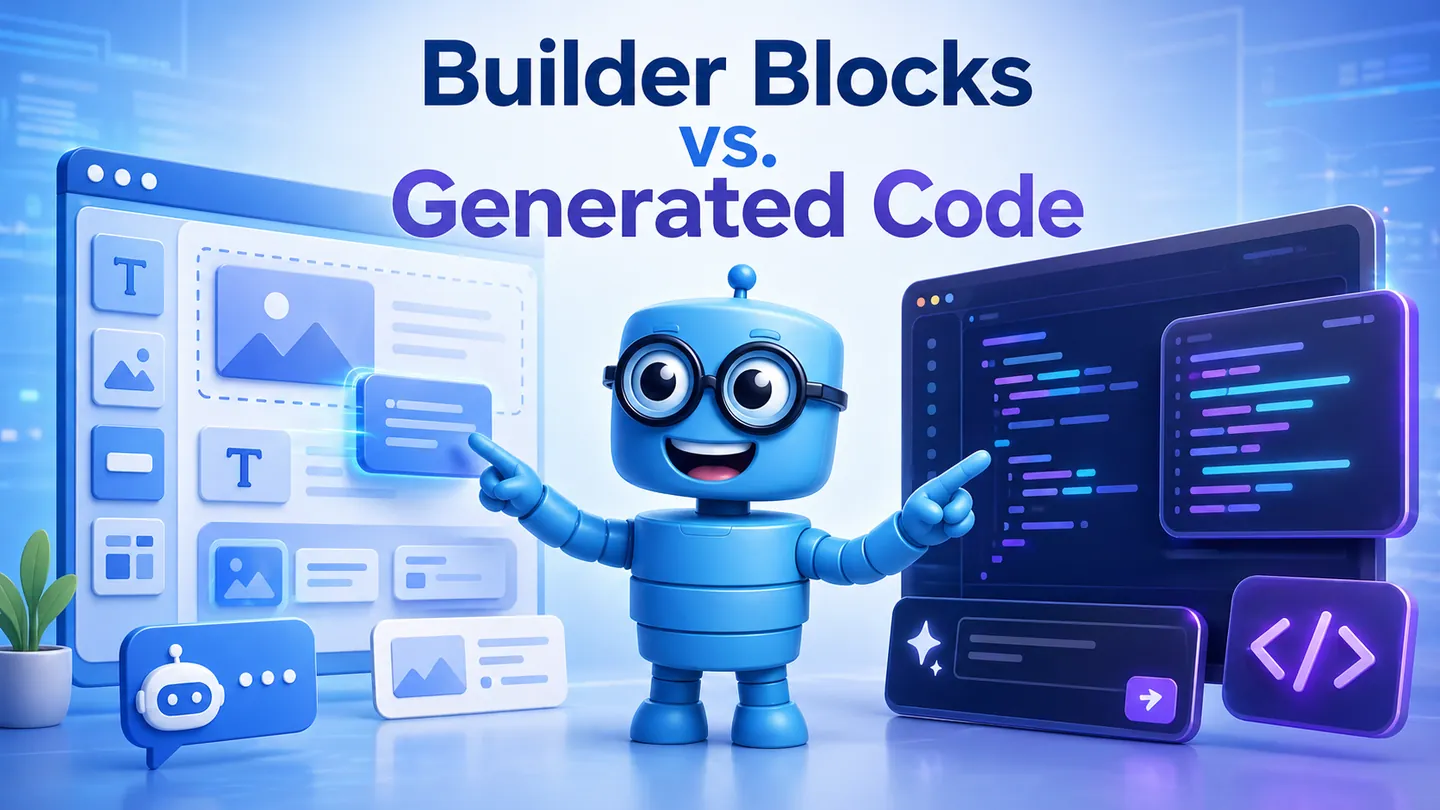
Short answer: no. Unlike vibe-coding tools, website builders rely on pre-built components. Websites are not created in a vacuum, but based on the templates from builders’ libraries.
Even though both are marketed with similar promises, their mechanisms and goals differ significantly.
Core Difference
-
Vibe coding tools = AI coding environments.
-
AI website builders = structured website-building platforms with AI assistance.
Vibe coding still involves code generation at its core. While the user may not write code manually, the system is constantly producing and modifying it.
AI website builders, on the other hand, abstract code away entirely and operate on reusable design components. They also are more well-suited for stable hosting and long-term projects.
Ecological Impact
One important difference is how much computation each approach requires.
LLM-based code generation can be resource-intensive. Research shows that large AI models consume significant energy during inference (generation), especially for long outputs.
Because vibe coding often regenerates large parts of a project even for small changes, it requires more tokens and computation.
AI website builders are typically more efficient because they reuse predefined components and rely less on continuous AI inference. This makes them faster for incremental changes and generally lighter in resource usage.
Workflow Differences
Stability of Results
Vibe-coding can produce different results from similar prompts. This is a known property of probabilistic language models, where outputs are not always determined.
That variability is useful for exploration, but it can reduce consistency in production environments.
AI website builders prioritize predictable outputs with stable layouts, less variability and unexpected bugs.
Maintenance and Updates
In day-to-day work, most website updates are small, like fixing text and adding new content.
With vibe coding, these changes can be slow because they depend on AI responses and regeneration cycles. Every change requires a token, and manual editing is only available through code, which is not very casual-friendly. Projects built with vibe coding tools require at least a basic understanding of generated code and depend on constant AI usage for updates.
While AI website builders allow fast changes and easy manual management when needed.
Scope of Use
Vibe-coding tools have more usage. They can generate any type of code, while AI website builders, you guessed it, are tied to websites and sometimes apps. They trade flexibility for reliability and ease of use.
What Should You Use?
For most business owners, AI website builders are the more practical choice. They provide stable layouts, predictable results, and allow instant edits without relying on AI for every small change. In this setup, AI supports the process instead of controlling it.
For agencies and resellers, the key advantage is consistency. AI website builders make it easier to deliver reliable results and hand projects over to clients who can manage them without technical knowledge.
Vibe coding tools, on the other hand, are powerful for speeding up development. They are great for programmers, especially for those with experience.
If you want to look at how the ease of website building compares between a vibe-coding app and an AI website builder — here’s an article that compares building a website for a small bakery in Site.pro and Lovable in detail.