WordPress Website Security: The Best Security Tips For Beginners
WordPress website security is one of the most important things every website owner should take care of. Although WordPress is easy to use and the world’s most popular content management system, it is also one of the most common targets for cyberattacks. Automated attacks in particular, such as login attempts and the exploitation of vulnerable plugins, are constantly aimed at unsecured websites.
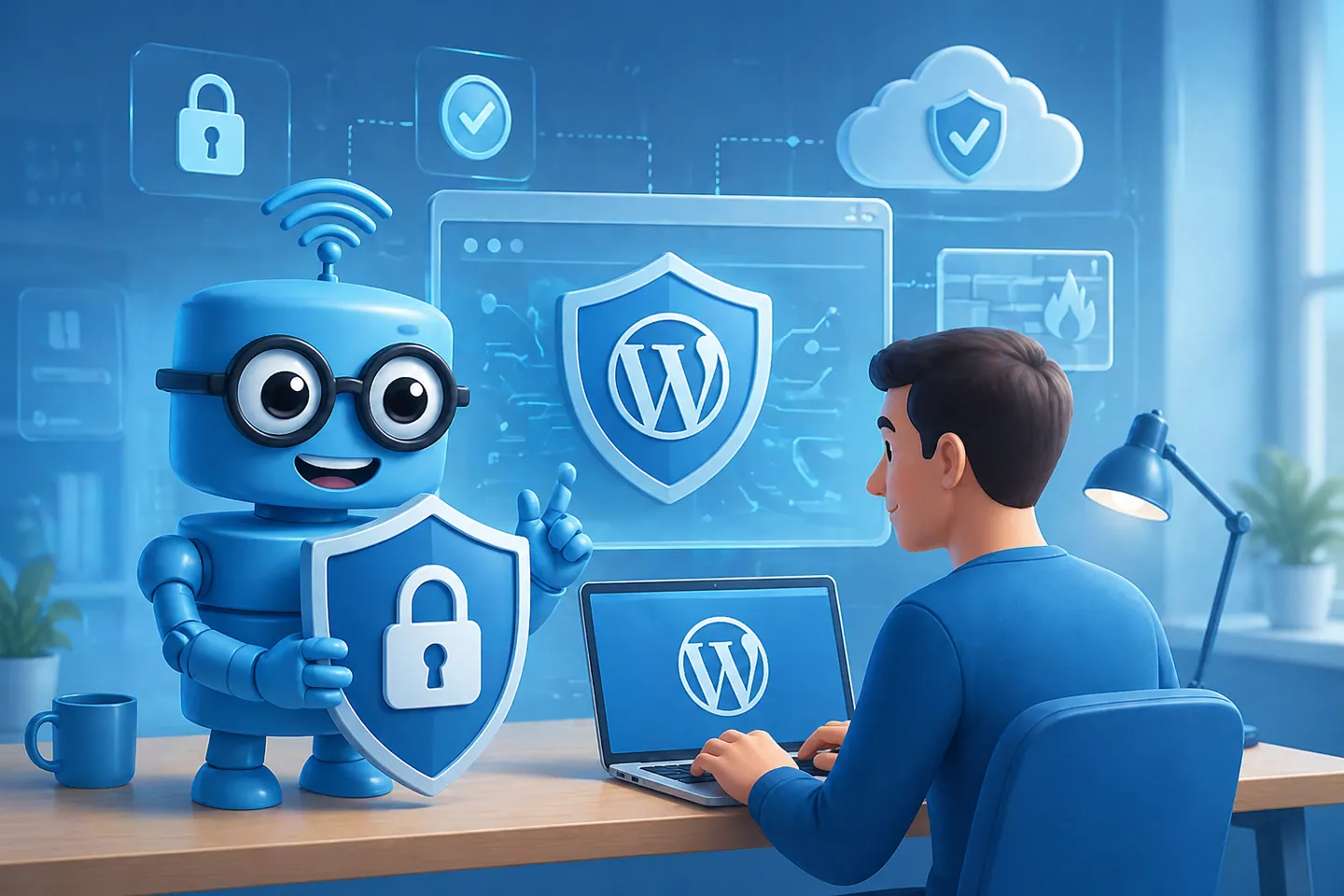
Fortunately, securing a WordPress website does not have to be complicated. With just a few basic measures – such as regular updates, removing unnecessary plugins, and using security plugins – you can significantly reduce the risks.
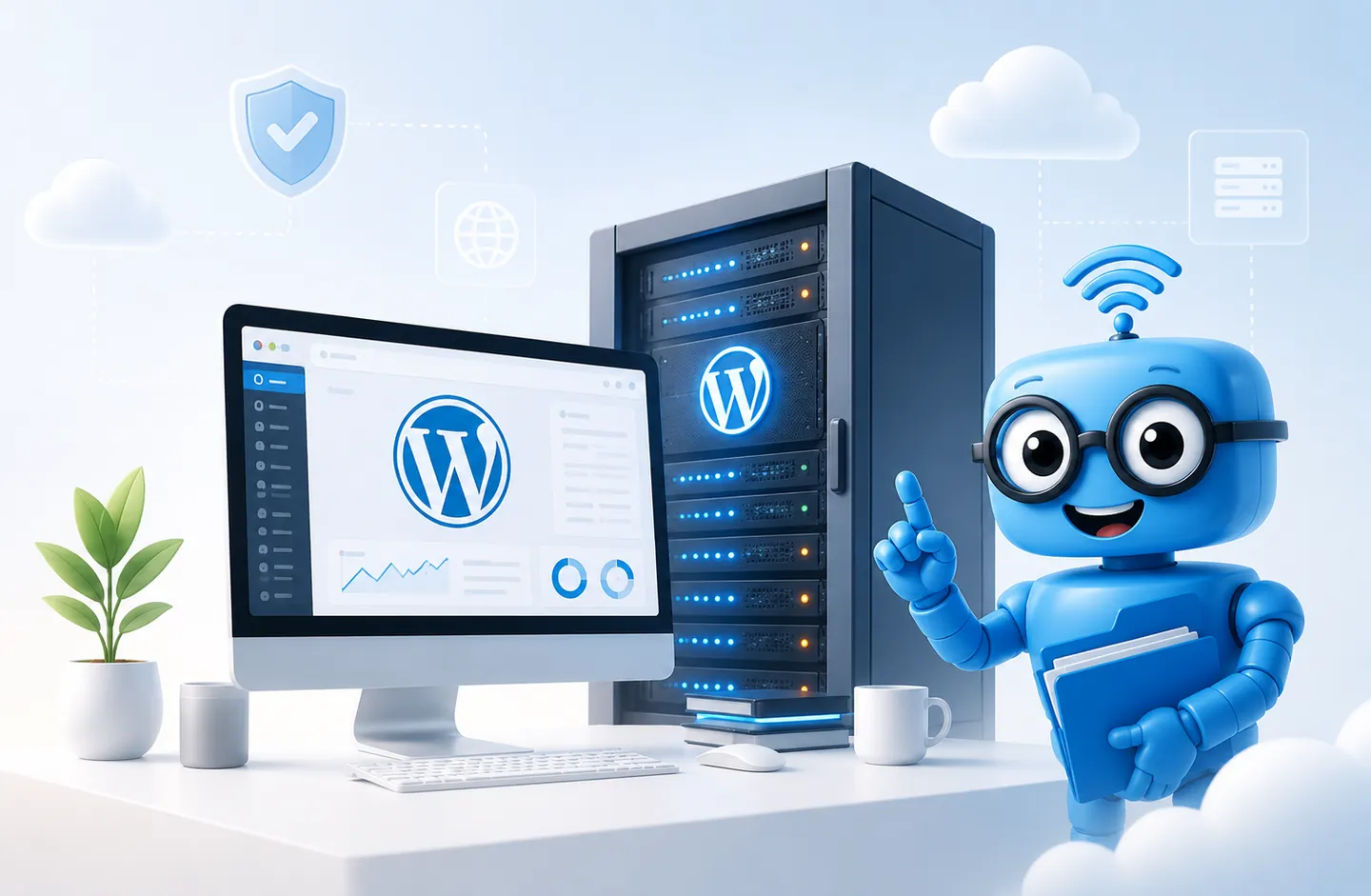
The choice of web hosting also plays a major role. A reliable service provider, such as Hostaan Oy, takes care of the security of the server environment and provides tools for protecting your website. This creates a strong foundation on which you can build your own security.
WordPress website security is not a single action, but an ongoing process. That is why it is important to take care of the basics, choose reliable partners, and also prepare for possible security incidents.
The basics of WordPress website security
WordPress website security starts with strong foundations. When the basics are in order, your website is already one step ahead of potential hacking attempts.
Domain and web hosting
A secure WordPress website begins with reliable web hosting. When choosing a service provider, it is worth paying particular attention to the security, performance, and maintenance of the server environment. From the perspective of overall management and security, it is also sensible to register your domain with the same service provider.
Installing and setting up WordPress
During installation, it is important to always use the latest version of WordPress. In addition, unnecessary default themes and plugins should be removed right from the start, as they can create unnecessary security risks.
Also make sure that your website uses an HTTPS connection. A secure connection encrypts the traffic between users and the server, which is especially important for forms and login pages.
Login security: protect the weakest link
Login is one of the most common attack targets on WordPress websites. That is why a strong password is the first and most important line of defence.
A good password is at least 12 characters long and contains a combination of uppercase and lowercase letters, numbers, and special characters. Using the same password across multiple services significantly increases the risk, so using a password manager is recommended.
You should also avoid default usernames such as “admin”, as they make attacks significantly easier. Two-factor authentication (2FA) adds an extra layer of protection to the login process and is one of the most effective ways to prevent unauthorised access.
In addition, login attempts should be limited with a dedicated plugin. This helps prevent so-called brute force attacks, where attackers repeatedly try to guess a password. CAPTCHA verification also helps filter automated login attempts.
Updates: the foundation of security
Regular updates are one of the most important security measures. The WordPress core, themes, and plugins receive continuous updates that fix discovered vulnerabilities.
Minor updates should be automated, but larger changes are best tested first in a staging environment. This helps avoid situations where an update breaks the functionality of the website.
Use only actively maintained plugins and themes. Before installation, check:
-
When the plugin was last updated
-
Whether it is compatible with your WordPress version
-
Whether the developer is trustworthy
Remove unused plugins and themes completely, as inactive components can also contain security vulnerabilities.
Maintenance and performance
Security and performance often go hand in hand. A well optimised website is not only faster, but also less vulnerable to load-related issues.
Using caching reduces server load and speeds up page loading, because pre-generated pages can be served directly to visitors. Image optimisation and the use of modern formats, such as WebP, also significantly improve performance.
Plugins: less is more
Plugins are one of WordPress’s greatest strengths, but also one of its biggest security risks. Every plugin increases the potential attack surface.
That is why, when choosing plugins, you should favour actively maintained, well-reviewed, and widely used solutions. Unnecessary plugins should be removed, and updates should be carried out regularly.
Security plugins and backups
WordPress website security is built in several layers. One key part of this is server-level protection, which works in the background without the need for separate plugins.
As an additional layer, you can also use WordPress security plugins, which provide features such as login protection and malware scanning.
In addition to these, backups are an essential part of security. It is important that your website is backed up regularly so that it can be restored quickly in the event of a problem.
In Hostaan’s WordPress hosting plans, security is strengthened with Imunify360 protection, ModSecurity firewalls, and fail2ban solutions. These help identify and block malicious traffic before it can affect the website. Backups are also included in the service, and data is stored securely within the EU.
Frequently asked questions
WordPress website security often raises the same questions. Below, we go through the most common concerns and practical solutions for managing them.
What are the most common security challenges for WordPress websites?
The most common risks are related to outdated plugins, themes, and the WordPress core, as attackers actively exploit known vulnerabilities. Weak passwords and poorly maintained plugins also significantly increase the risk, and brute force attacks are common. In addition, the server environment plays a major role, which is why a reliable service provider such as Hostaan Oy helps reduce security risks.
How often should I update my WordPress website to maintain security?
A WordPress website should be updated as soon as new updates are available, especially when it comes to security updates. Automatic updates make maintenance easier, but larger changes should be tested before deployment. It is recommended to check the condition of the website regularly, and a backup should be taken before updates. With Hostaan SmartWP and SmartWoo hosting plans, you get automatic backups and WordPress updates, making it easier to take care of security.
What types of plugins are recommended for improving WordPress website security?
For most websites, one high-quality security plugin is enough, such as Wordfence, Sucuri Security, or iThemes Security. They offer features such as a firewall, malware scanning, and login protection. Using several overlapping security plugins should be avoided, as this can weaken performance and cause compatibility issues.
How can I make sure my theme is secure?
Theme security can be ensured by choosing a theme from a reliable source, such as the official WordPress theme directory or a well-known developer. Before using a theme, check its update history and reviews, and make sure it is actively maintained. Update the theme regularly and avoid so-called nulled themes, as they often contain malicious code.