Skip to content
Article 16.04.2025

WordPress SEO basics - Improve Your Search Rankings

WordPress SEO Basics: How to Easily Boost Your Site’s Search Engine Rankings
WordPress SEO is important for every website

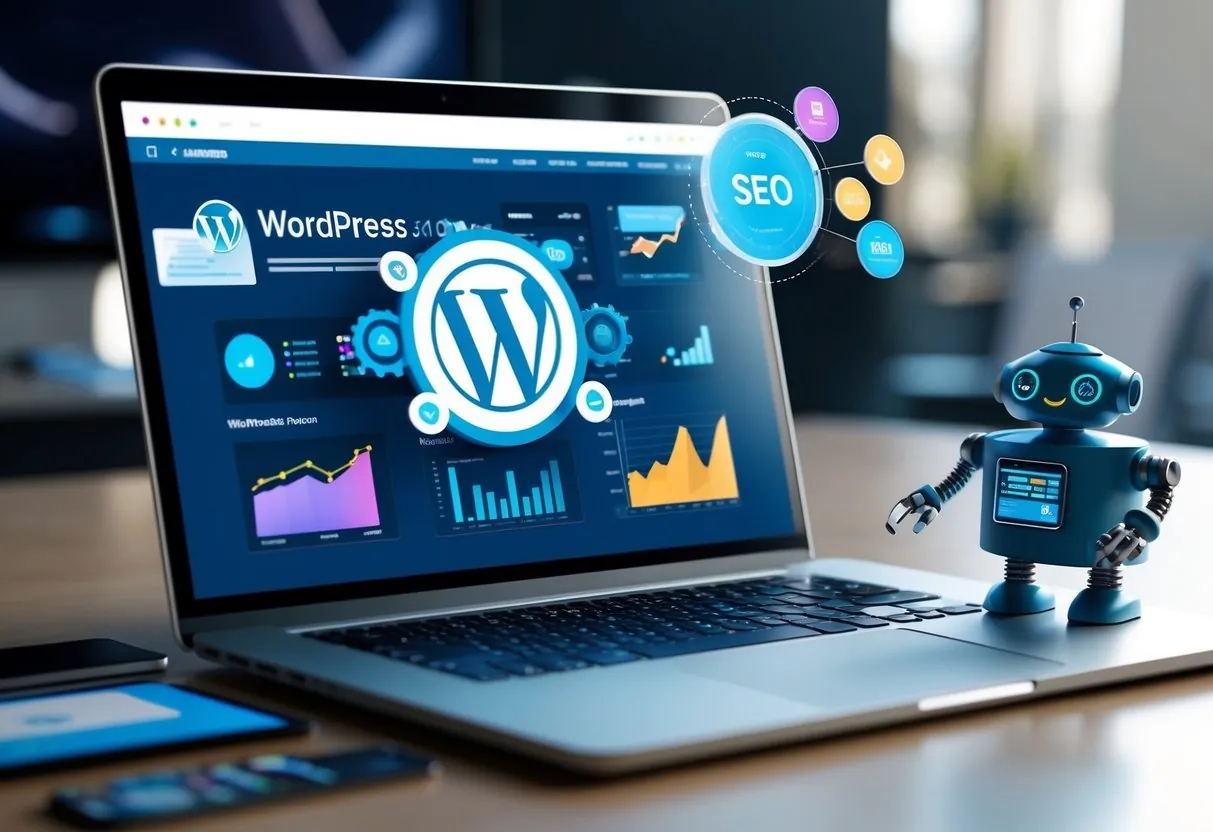
WordPress SEO is an essential skill for anyone who wants their website to be visible in search engines. Many developers can create great WordPress sites, but often forget to optimize them for search engines. Properly implemented WordPress SEO can multiply your site's traffic and visibility without paid advertising.

SEO, or search engine optimization, isn’t rocket science, even though it might seem complex at first. There are also many tools available for WordPress that make SEO easier. For example, the Yoast SEO plugin is one of the most popular tools that offers clear tips for optimizing your site and improving content. However, it alone is not enough to guarantee your site’s optimization.
 

A good SEO strategy starts with planning your site structure and includes using keywords and making technical improvements to your site. This article gives you a solid foundation to start gaining visibility in search engines.
 

Most Important SEO Tips:

  • The structure and loading speed of your WordPress site are critical factors for search visibility.

  • The Yoast SEO plugin provides easy-to-use tools for site optimization and content improvement.

  • Using the right keywords and a search engine-friendly URL structure significantly improves your site’s discoverability.

  • For highly competitive keywords, optimizing content alone may not be enough—you’ll also need external links to your site.
     

Why is WordPress SEO Important?

It’s estimated that over 40% of all websites on the internet are made with WordPress. Therefore, the competition in search engines among WordPress sites is fierce. That’s why it’s especially important to invest in your site’s optimization. With proper optimization, your site stands out in Google search results and attracts more visitors.
 

Search engine optimization affects how high your site appears in search results when a potential customer searches for your product or service online. A well-optimized WordPress site appears among the top search results, increasing traffic and sales.

How to Improve WordPress SEO

Improving WordPress SEO starts with small, practical steps. First, make sure your site is technically sound—meaning it loads quickly, works on mobile devices, and has clear internal linking. After that, start planning your content and optimizing keywords.

Also remember to write content that interests your visitors and answers their questions. This improves the user experience and increases the time visitors spend on your site, which also positively affects your ranking in search results.

Summary: Optimize Your WordPress Site Today

WordPress SEO isn’t just a technical trick—it’s a key part of your site’s success. Even small changes can make a big difference in your site's visibility and traffic. If you want your site to reach more people, start optimizing today!
 

Hostaan offers fast and reliable WordPress hosting that makes optimizing your site even easier. With our tools and support, you’ll take your site’s SEO to the next level.

All articles

You might also like

What is .htaccess?
Article 16.07.2026
What is .htaccess?

The .htaccess file is a common per-directory configuration file on Apache servers. In this article, we cover how to edit it and give practical instructions for managing redirects, access rules and error pages. Because changes take effect…

Best Web Hosting for WordPress: What You Should Actually Compare
Article 10.07.2026
Best Web Hosting for WordPress: What You Should Actually Compare

The performance, security and ease of maintenance of a WordPress website depend directly on how well you choose your web hosting. When the goal is to create high-quality websites, the technical features of the server matter a great deal.

AI Website Builders vs. Vibe Coding: Key Differences
Article 30.04.2026
AI Website Builders vs. Vibe Coding: Key Differences

AI Website Builders vs. Vibe Coding: What’s the Difference?

Website Security for WordPress: Best Security Tips for Beginners
Article 28.04.2026
Website Security for WordPress: Best Security Tips for Beginners

WordPress website security is one of the most important things every website owner should take care of. Although WordPress is easy to use and the world’s most popular content management system, it is also one of the most common targets…

WooCommerce installation and setup - build your own web store easily
Article 10.02.2026
WooCommerce installation and setup - build your own web store easily

Setting up an online store on WordPress is effortless with WooCommerce . This popular plugin transforms a regular WordPress site into a fully functional online store in just a few minutes – whether you sell physical products, digital…

WordPress Backups: Affordable Insurance for Your Website
Article 28.10.2025
WordPress Backups: Affordable Insurance for Your Website

Fortunately, backing up your WordPress site is easy. You can do it with plugins such as All-in-One WP Migration or UpdraftPlus, or by using tools provided by your hosting provider. With these, you can back up your entire site securely…

Easily Update WordPress Plugins - Keep Your Site Secure
Article 01.09.2025
Easily Update WordPress Plugins - Keep Your Site Secure

Updating plugins in WordPress can be effortless at best: just log in to the WordPress admin panel and select "Plugins" from the left menu. You’ll immediately see how many plugins are waiting for an update. You can update plugins either…

Page builder tools (Elementor, Divi, Beaver Builder): Comparing the best page builders
Article 06.08.2025
Page builder tools (Elementor, Divi, Beaver Builder): Comparing the best page builders

Looking for the best WordPress page builder? Page builder tools have revolutionized the way websites are created without coding skills. Elementor, Divi and Beaver Builder are the most popular page builders that offer drag and drop…

How to Use the Gutenberg Editor: Easily Create Stunning WordPress Pages
Article 25.07.2025
How to Use the Gutenberg Editor: Easily Create Stunning WordPress Pages

WordPress got a new Gutenberg block editor in 2018, which revolutionized content production for websites . In the editor, content is divided into blocks, such as text paragraphs, headings, and other elements.