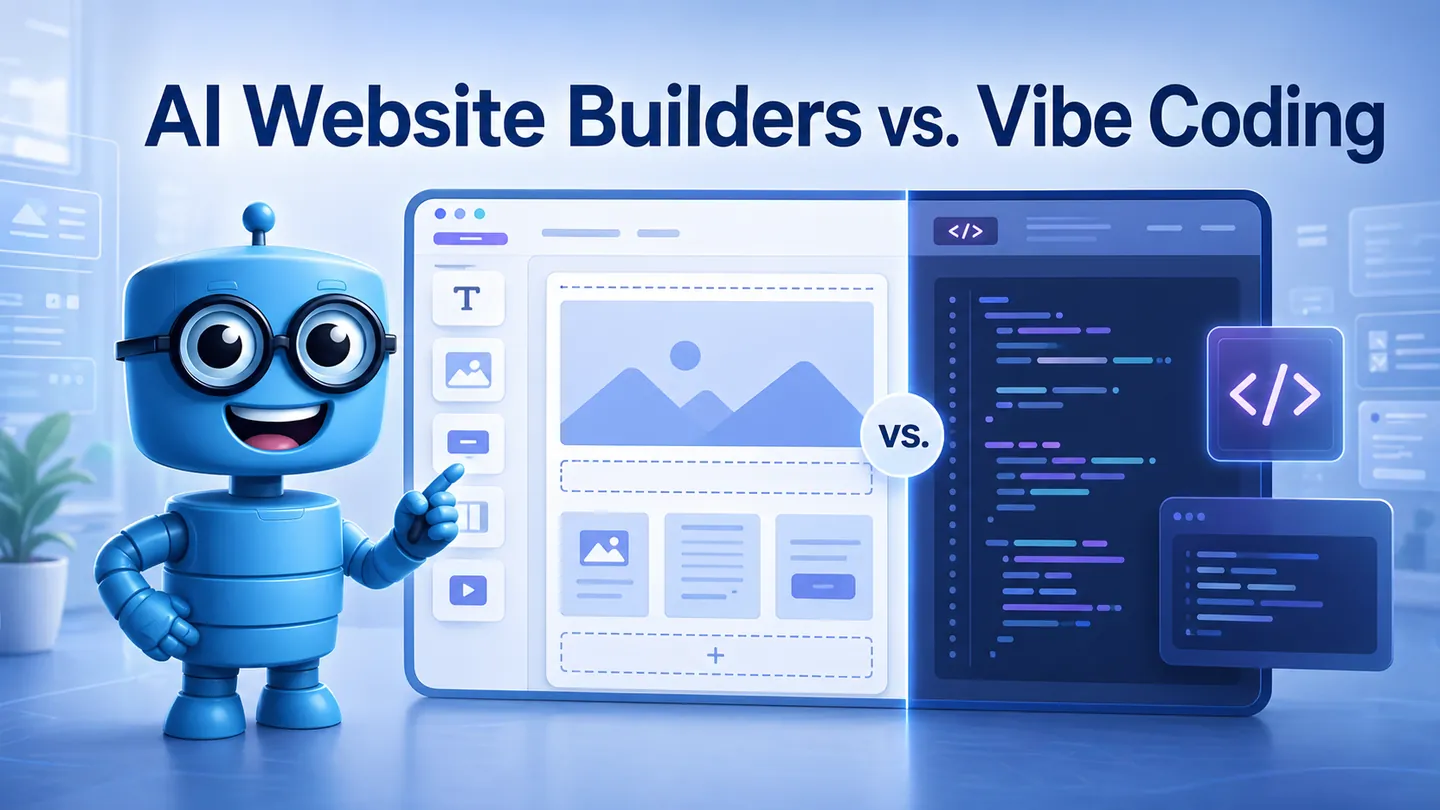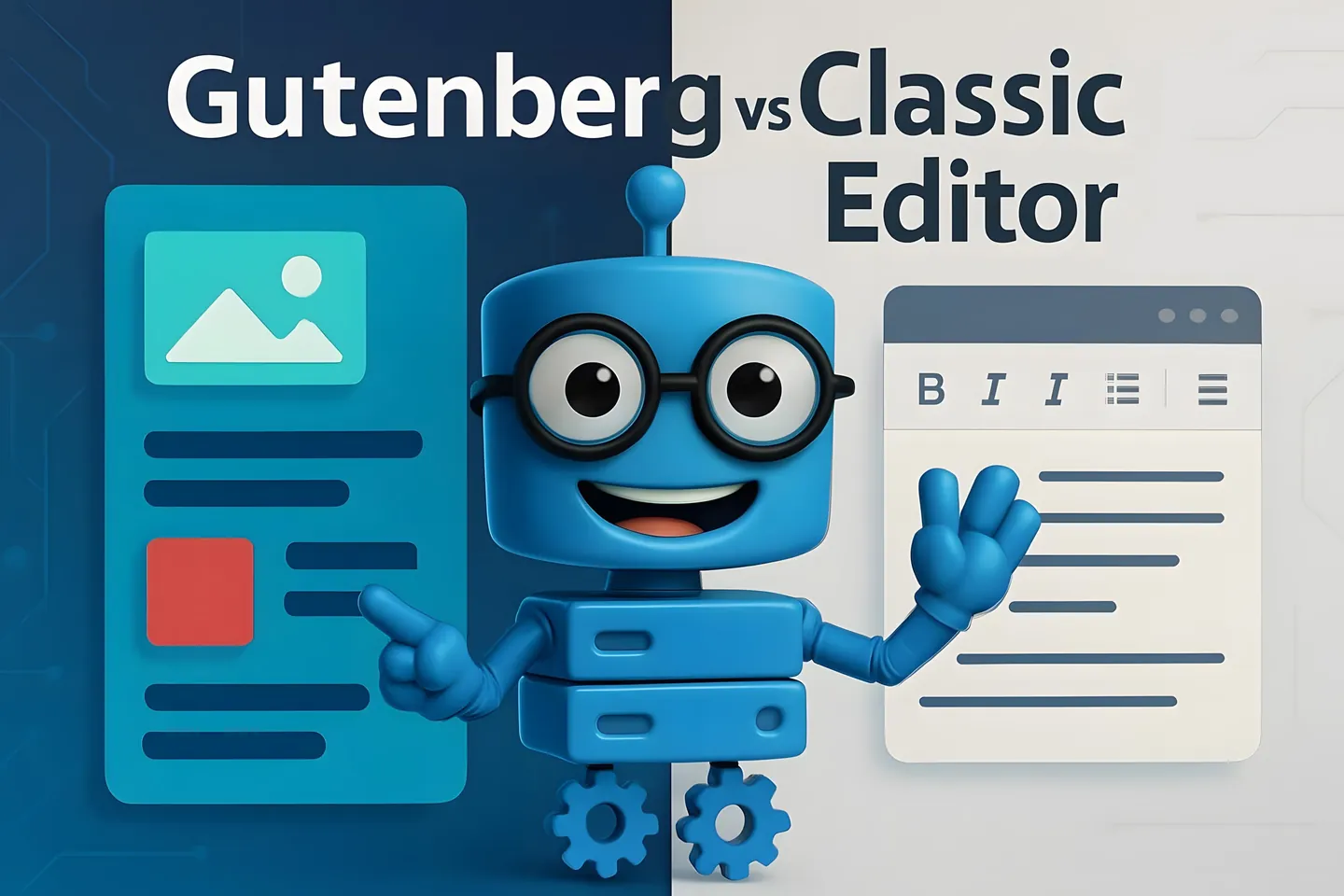
Websites are an increasingly important part of your digital presence, whether you are a business, an organisation or an individual. But, how do you go about building a website when there are so many possible implementation methods to choose from? Sitebuilder and WordPress are two popular tools to choose from for a platform for your website. Both offer a way to create beautiful and functional websites, but there are differences in how they are used and what they can do.
Sitebuilder - An easy and quick solution
Sitebuilder is often the first choice if you are looking for a quick and simple solution without the technical depth. The visual editor makes building a website intuitive, as you can easily select predefined template and edit it using drag-and-drop functionality. This makes the homepage builder a great option if you're on a tight deadline and don't want to spend too much time coding or dealing with complex settings.
Another advantage of the Sitebuilder is the ease of maintenance. The cloud-based system takes care of security updates and software installations for you, so you can focus on creating content and marketing without worrying about the technical details. For example, Hostaan.site offers a website engine that conveniently combines website space and email services on a dedicated domain, so you have everything you need for a single monthly fee.
The Sitebuilder gets you started quickly and allows you to create functional pages in minutes, but it's also a great tool for designing and maintaining larger and more complex pages. Take a look at what the Sitebuilder looks like and try it out in our demo. Remember, however, that you shouldn't start designing pages with the demo version, as the changes you make won't be saved anywhere.
WordPress - Flexibility and a wide range of possibilities
WordPress is the most widely used open source platform in the world, offering excellent flexibility in website design and functionality. It is particularly usable if you want to expand or customise your website in the long term. WordPress allows you to build simple blogs as well as more complex business websites and online stores.
One of the strengths of WordPress is its extensive plugin library, which allows for almost unlimited expansion. For example, the WooCommerce plugin is the most popular tool on the market for building an online store. WooCommerce supports both small and large online stores, and allows you to manage products, payment systems and shipping options with ease.
However, using WordPress can be more challenging, especially if you are not used to managing the technical aspects of a website. However, there is a range of powerful plugins to help you, such as our free Hostaan-plugin for WordPress optimisation, which we offer for WordPress installations on Hostaan servers. This plugin checks your site's settings, detects any gaps and makes recommendations to help you improve the speed and security of your site. For example, checking caching, image optimization and incompatible plugins will significantly improve your site's user experience.
The choice depends on what you need from your website
Consider what kind of website you are starting to build and what you want from your site. You can also think about what you would like your site to look like in the longer term. Hopefully this article will help you make a choice!
However, if you are still unsure about how to go about building your website, you can also ask a professional for a quote. Could the right person for your website project be found amongst our Hostaan.partners?