
Hostaan
One login, every customer
From the Hostaan control panel you manage all your services and customers with a single sign-in. No more juggling logins, no more struggling to reach customers' services.

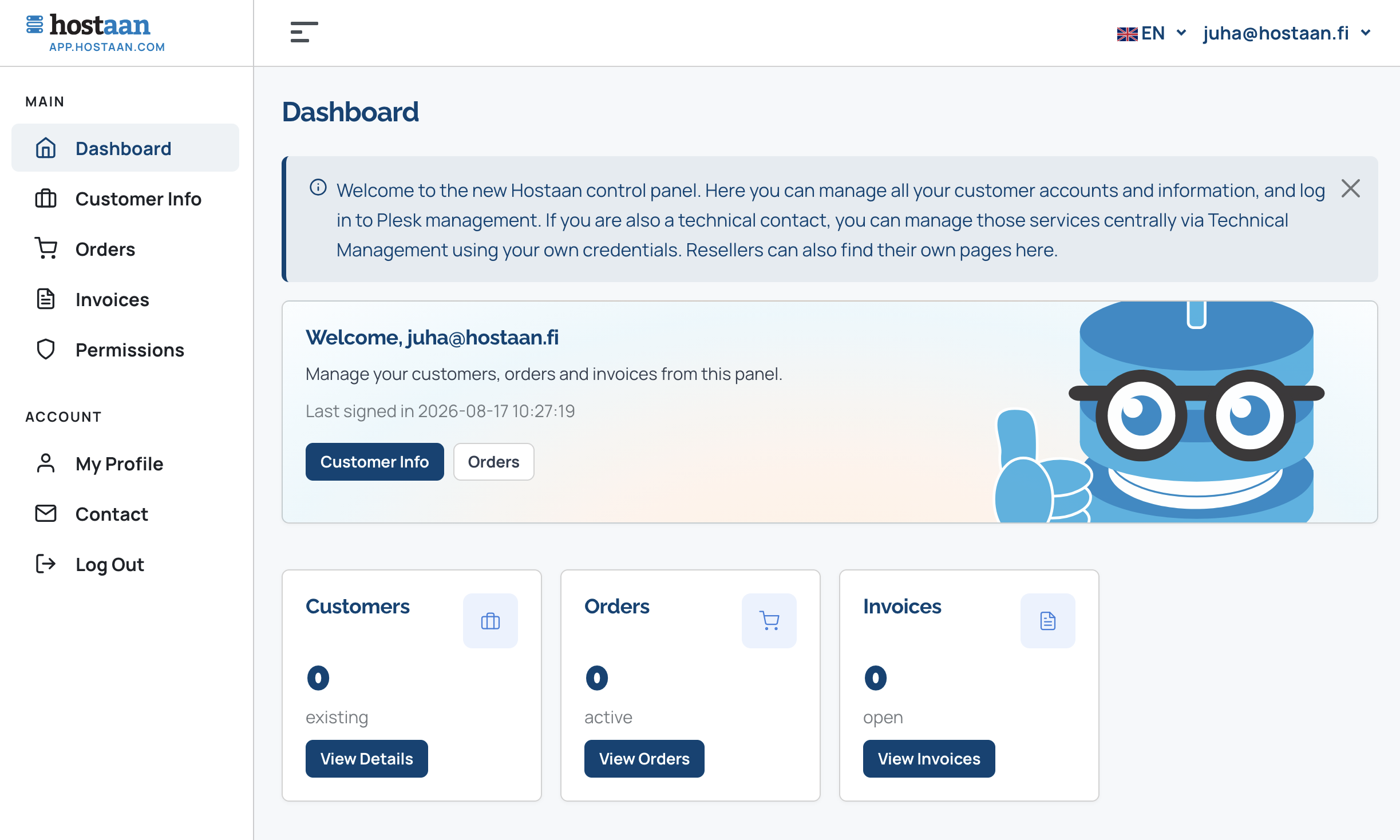
Centralised management
Everything in one place
In the control panel you see your customers, orders and invoices, and reach every service with one click.
The panel replaces the old Oma Hostaan portal. We built it ourselves, and its look carries over seamlessly to Plesk and the webmails.
Customers
All your customers in one list. Pick a customer and go straight to management.
Orders
Orders, domains, servers and due dates in one view.
Invoices
Browse and download invoices as PDFs.
Single sign-on to Plesk
Open a service's Plesk straight from the panel with no separate password.
Permissions
Decide who can access your services, and invite users with roles.
One-time-code login
Sign in with a code sent to your email, or choose a password and two-factor authentication.
For designers and partners
All your customers behind one login
When you bring customers to Hostaan, you see all of them in your own management view and sign in to their services with your own login.
You don't need the customer's credentials or dozens of passwords to remember. The customer decides who has access and can remove it any time.
Every customer in view
See the orders and servers of all your customers from one place.
Single sign-on to services
Open a customer's Plesk with one click and carry on to WordPress management from there.
No customer passwords
The customer invites you as a technical contact, and you get in with your own login.
Permissions and roles
The customer decides who gets access to what
Permissions are kept simple: the owner manages everything, and a technical contact handles the technical side.
An invitation is sent by choosing the customer company, a role and an email address. The recipient accepts it, and technical management opens in their panel.
Owner
Manages customer details, orders and invoices, invites users and removes permissions.
Technical contact
Reaches technical functions such as Plesk login, but does not make billing decisions.
Invitations and approval
The owner accepts or declines invitations and removes outdated permissions.
Plesk integration
From the control panel straight to Plesk and WordPress
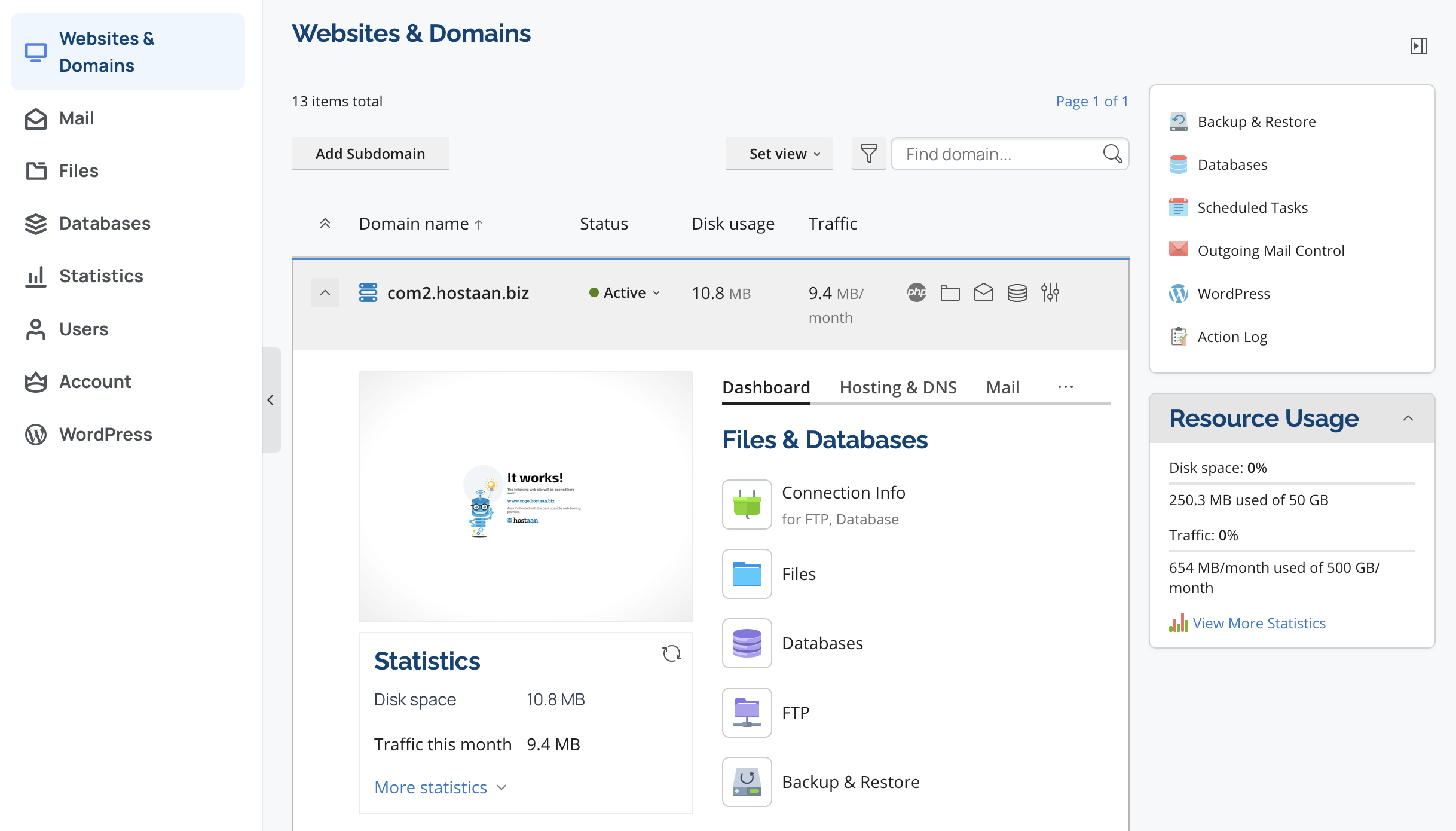
Each customer's Plesk opens from the control panel with single sign-on, and the same look carries on in Plesk.
From Plesk's WordPress Toolkit you reach each customer's WordPress admin with one click. We restyled Plesk to match our control panel, so the move is seamless.
- Plesk button in the customer and order views
- WordPress Toolkit and backups in Plesk
- The same look as the control panel
- No separate Plesk password
Secure sign-in
Choose how you sign in
Email one-time code
By default you sign in with a code sent to your email, and no password is needed.
Optional password
You can set a password on the My profile page.
Two-factor authentication
Combine a password with an email code. We recommend it if you use a password.
Managed permissions
Review and remove permissions any time on the Permissions page.
Who it is for
The control panel makes your work easier
Designers
Look after all your customers
See your customers' orders and sign in to their services with your own login.
For designersAgencies
Manage the whole customer base
Your own server, unlimited customer accounts and everything from one management view.
For agenciesBusinesses
Invite your own developer
Give your developer technical access without sharing your own credentials.
For businessesGood to know
How access to a customer's services comes about

The customer invites you
A partner gets access to a customer's services only once the customer (the owner) has invited them as a technical contact and the invitation is accepted.
You need your own login
The invitation recipient must have a user account in the control panel. Creating one is free.
Permissions can be revoked
The customer can remove access any time on the Permissions page.
FAQ
Questions about the control panel
See also
More technology from Hostaan
Log in to the control panel
One login, all your services and customers. Sign in, or explore our services first.
